
Connect the information.
Use the event details you already have to prepare the next team’s work. That can mean receiving Crew Call hours for review or preparing a schedule for a reviewed import into PresOps.

Software for live events
Opeerion builds software for planners, production teams, and the people running the show. Opeerion ONE holds the event record. Our specialist tools handle crew calls, presentation delivery, and specific jobs in the room.
01 The handoff
The planner updated the schedule. Production has one copy, and the crew call that went out yesterday has another. How can we easily correct every document where that room appears and update the entire team?
One change. Several places to catch up.
The session has a new room.
Does the setup still fit?
Who needs to be where?
Which room gets the file?
Someone makes the calls and checks every copy.
Sending the update is only part of the job. Someone still checks the setup, gets the right call to the crew, and confirms where the presentation belongs. At closeout, the team needs to reconcile what actually happened.
02 The central platform
Opeerion ONE means Operational Network for Events. It brings scope, staffing, equipment, schedules, actual hours, costs, and billing together around one show. ONE is the central platform; the specialist applications handle particular jobs around it.
Use the event details you already have to prepare the next team’s work. That can mean receiving Crew Call hours for review or preparing a schedule for a reviewed import into PresOps.
Keep planned labor and approved actual hours attached to the show. Your team can review the difference before reconciling costs and billing.
Give crew their calls, schedules, and documents. Give presentation operations the information needed to prepare the rooms. Keep commercial details in the appropriate office views.
ONE is live. Start with the work your team needs to manage, then agree on deployment and access with an Opeerion account executive. Explore Opeerion ONE.
03 Follow the information
Crew Call, ONE, and PresOps are live systems. Each has a defined job. The handoff includes a person checking the information, not a promise that every change updates every system.
Crew Call → ONE
Receiving hours does not approve them. Review stays with the team responsible for the show.
See the labor workflow and its limitsEvent schedule → PresOps
This is a reviewed import workflow. Agree on the source, supported fields, and how later changes will be handled during setup.
See the presentation workflow and its limitsA correct room assignment matters to the person presenting and the people watching. So do a prepared crew and accessible content. These tools support that work; people still make and check the decisions.
04 Who we help
Start with the information you are responsible for and the people who need it next.
A room change affects more than the schedule. Bring the production and presentation teams into the same discussion, work from agreed event details, and define who checks each handoff.
See the planner and agency workflowTake the job from inquiry and quote to staffing, equipment, actual hours, and invoice. Review incoming labor before it affects the official record.
See the production workflowYou need to understand the scope, the cost, and what the delivery team is preparing. Use the event record and client-facing documents to discuss changes without relying on a chain of different copies.
See the event-owner workflow05 Working with Opeerion
We offer setup support. An Opeerion account executive works with you on the scope and pricing, including the support your team needs.
Walk through how your team plans, shares changes, and checks what happened. Choose a first use case you can evaluate.
Confirm records, access, configuration, and who prepares the team. Your account executive sets out deployment scope, pricing, and support terms.
Use setup support to prepare the agreed workflow. Decide how you will check it with the people responsible before extending it to more work.
Ask your account executive which services are included, what is separately scoped, and what support is available for your event. Coverage and response arrangements are agreed for the deployment.
06 The portfolio
ONE is the event platform. PresOps and Crew Call support the workflows described above. The specialist tools below can be used on their own; a portfolio listing does not mean a ONE connection is available.
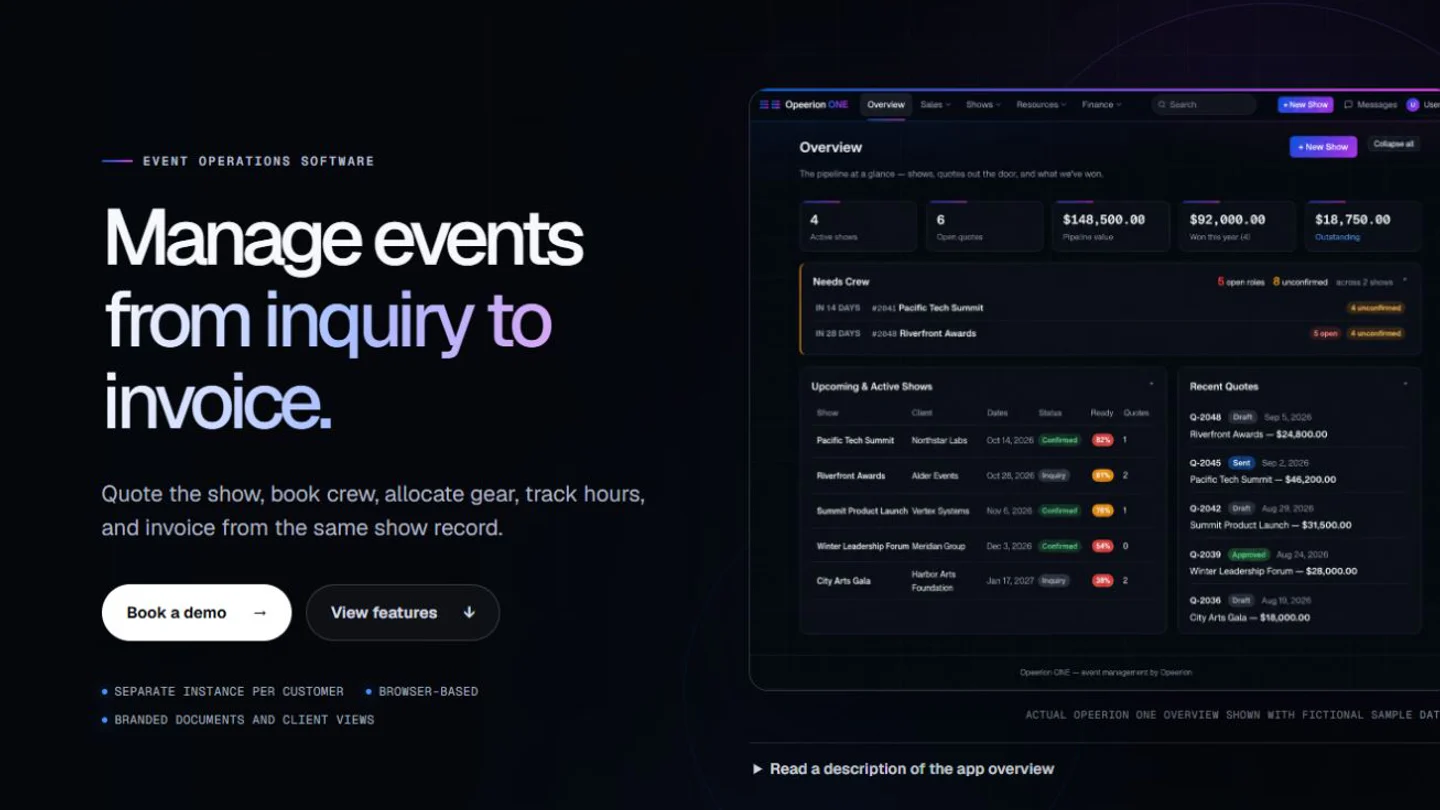
Keeps inquiry, quote, contract, crew, equipment, schedules, actual hours, costs, and invoice attached to one show record.
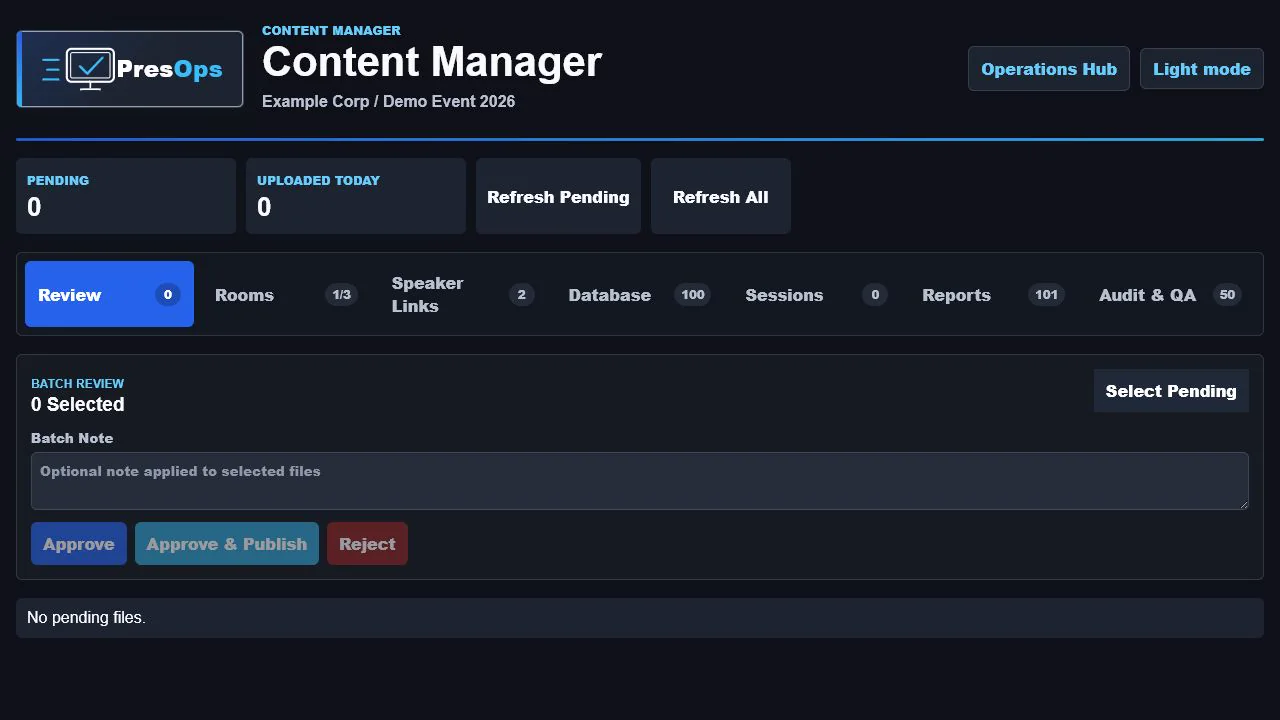
Get the approved presentation to the right room, with a record of every upload, revision, and download.
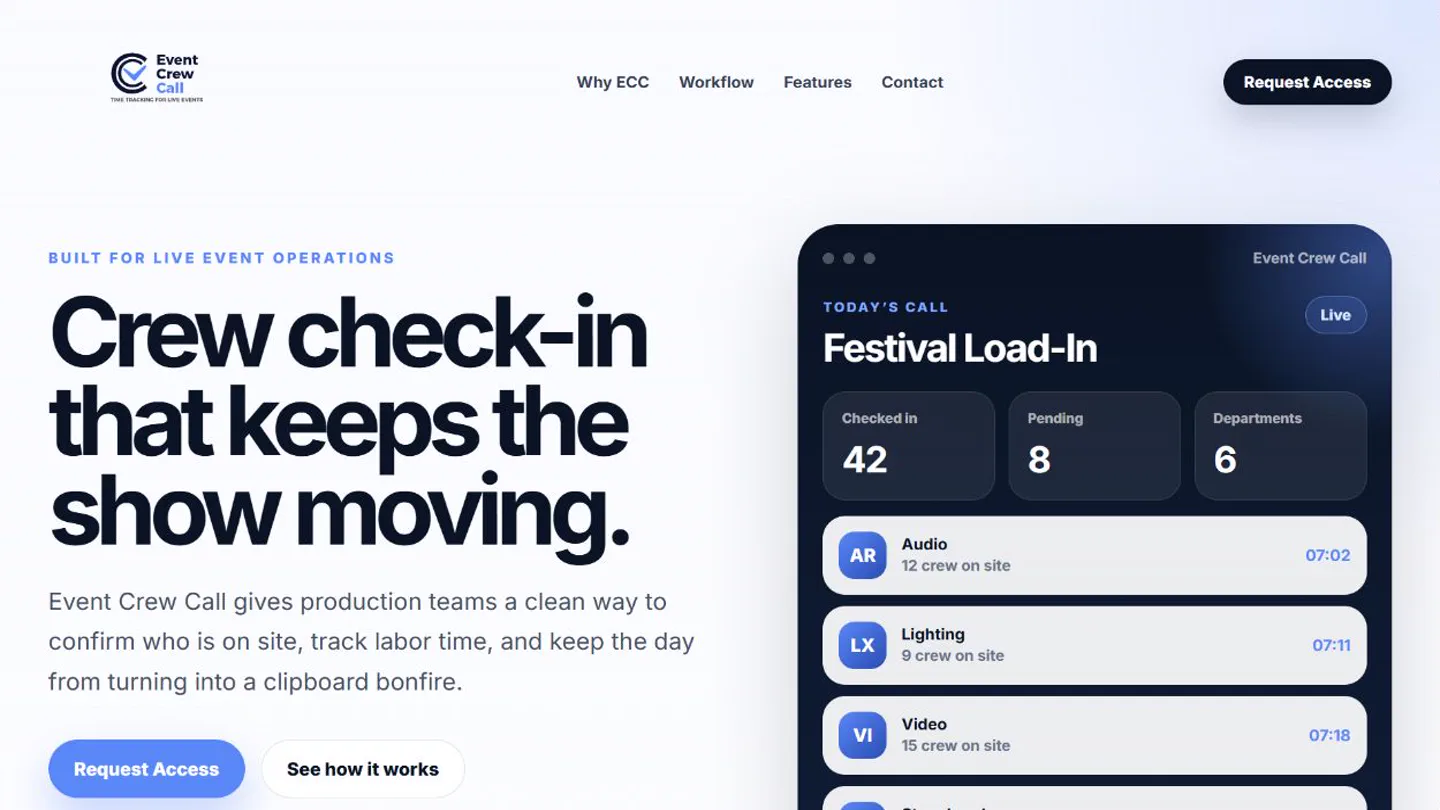
Send crew calls, confirm arrivals, and track time through sign-out.
Display engineering
Plan tile maps, power, data, and processor capacity before the wall leaves the shop.
Projection engineering
Calculate lenses, throw, blends, and mapping from a sourced projector catalog, online or offline.
Script extraction
Extract PowerPoint speaker notes or an Excel script column into TXT, RTF, or Word files without uploading the source.
Authorized media downloads
Download authorized video as MP4 or audio as MP3 through a Windows queue.
Local subtitle production
Transcribe, translate, time, review, and burn subtitles on Windows without uploading the source media.
Show calling
Build and call a live rundown with focused views for each department.
Teleprompting
Run downstage prompting with operator control, script editing, and primary/backup sync.
Live accessibility
Caption and translate the room with on-device processing, operator control, and branded output.
Field operations
Capture technician time, expenses, receipts, approvals, and client billing from the field.
Freelance billing
Calculate day rates, overtime, turnarounds, per diem, and expenses, then issue the invoice.
Crew food intelligence
Find food recommended by live-event freelancers who have worked the same cities and venues.
Need help choosing? Tell us about the work
07 The people behind it
Opeerion is a live-event technology company based in Orlando, Florida. Our team comes from production, event management, video engineering, and the technical work behind the show.
We know why a crew call needs the right details and why an operator needs the right file before a session starts. That experience guides the products and the questions we ask when helping a team get set up.
CEO & Co-Founder
Live production and operations
Co-Founder, Vice President & Chief Product Officer
Product architecture, development, and user experience
Chief Experience Officer
Event management, content, and accessibility
Chief Marketing & Strategy Officer
Production, workforce development, and education
Client Relations Officer
Video engineering, technical teams, and client relationships
Discuss your event workflow
Tell us your role, your organization, and where the work gets repeated or the information gets lost. Include event timing if it matters. We can discuss the relevant products, setup, and what a first deployment would involve.
Email your event workflowOpens your email app with Jose Toro and Brian McCrae as recipients. Review and send the message there; this page does not submit a request.
jtoro@opeerion.com
bmccrae@opeerion.com
An Opeerion account executive handles pricing, deployment scope, and support arrangements.